PHP2Shell (CVE-2026-109618 and CVE-2026-109619): what website owners need to do now
If your website runs on PHP, it needs a server-level update this week. Not a plugin update. Not a WordPress update. The PHP engine itself.
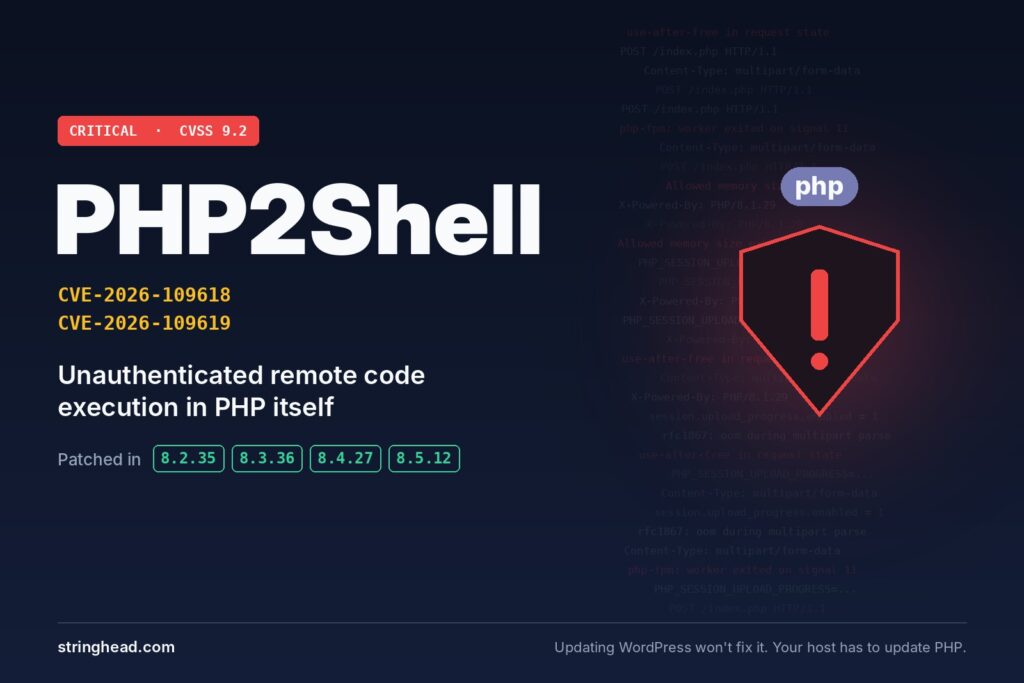
On October 21, 2026, the PHP project shipped emergency patches for two critical flaws, CVE-2026-109618 and CVE-2026-109619, now known together as PHP2Shell. Both let an attacker with no login run code on your server using nothing more than a specially crafted web request. Both carry a CVSS v4.0 score of 9.2 out of 10. And details leaked a day early, so attackers got a head start.
That’s a big deal, because PHP sits under a huge share of the web. WordPress, WooCommerce, Drupal, Joomla, Magento, Laravel apps, cPanel and Plesk dashboards all run on it. Censys counts more than 13 million internet-facing assets running PHP versions that may be affected. Chances are good that yours is one of them.
What PHP2Shell actually is
Both bugs live in PHP core, below any theme, plugin or framework. Researchers at Calif, Wiz and OpenAI found them, and the trouble starts in how PHP handles file-upload style requests (the multipart forms behind every “upload a file” button).
CVE-2026-109618: remote code execution via out-of-memory corruption. An attacker sends an oversized upload request that makes PHP run out of memory partway through. PHP stops with its internal request data only half built, then later treats that broken data as valid. The result is code running on your server as the web server user.
CVE-2026-109619: remote code execution via stale global state. After a crash, a PHP worker can hang on to memory from the previous request that was already freed. The next request walks into that stale state. That can mean code execution, leaked data from other visitors’ requests, or a crashed site.
Think of it like a hotel room that never gets cleaned between guests. The next person checks in and finds whatever the last one left behind. Except here the “next guest” can be an attacker who planned the mess on purpose.
Who’s affected
Short answer: every PHP version released before October 21, 2026. Every common server setup is in scope too, including PHP-FPM, Apache with mod_php, php-cgi, FrankenPHP and LiteSpeed. The PHP team rates mod_php as the highest risk.
- PHP 8.5: fixed in 8.5.12
- PHP 8.4: fixed in 8.4.27
- PHP 8.3: fixed in 8.3.36
- PHP 8.2: fixed in 8.2.35
- PHP 8.1, 8.0 and 7.x: no official release, because these versions are end of life
That last line is the one that worries us most. Plenty of small business sites, older WordPress installs especially, still sit on PHP 7.4 or 8.1 because “nothing broke.” PHP did publish minimal source backports for 7.4, 8.0 and 8.1, but there’s no official release, so treat any backport as a stopgap and plan the upgrade. And a heads-up for anyone on 8.2: it got this patch, but its security support ends December 31, 2026.
It’s not just public websites, either. PHP hides in hosting panels like cPanel and Plesk, in local dev stacks like XAMPP and Laragon, inside Docker images, and inside vendor apps that ship their own copy.
Is it being exploited?
Yes, early attacks are already happening. Cloudflare saw attempts before the patch even shipped and pushed emergency firewall rules about nine hours ahead of public disclosure. watchTowr reported exploitation in its honeypot network on release day. A quick timeline:
- October 20: details leak ahead of the planned disclosure, and CERT-EU tells organizations to isolate internet-facing PHP apps
- October 21: Cloudflare and Vercel deploy firewall rules before public disclosure
- October 21, around 14:00 UTC: PHP releases 8.5.12, 8.4.27, 8.3.36 and 8.2.35 with the official advisory
- October 21: the CVEs are published, and watchTowr reports exploitation in its honeypots
There’s a catch worth knowing (and we’d rather be honest than scary). VulnCheck reproduced both flaws and found that reliable code execution is still hard on standard x86 servers with memory protections switched on. Most public “exploits” on GitHub don’t actually work, and fake proof-of-concept repos for headline CVEs often carry malware. So please don’t download random exploit code to “test” your site.
But hard isn’t impossible. Exploits tend to get better fast once the patch is public. Waiting this one out is a bad bet.
Why updating WordPress won’t fix this
This is the part most “patch now” headlines skip. Clicking Update in your WordPress dashboard does nothing for PHP2Shell. Same for Laravel, Drupal, Joomla or any plugin.
The PHP runtime comes from whoever runs the server: your hosting company, your Linux distribution’s packages, or your container image. On shared hosting, you usually can’t patch it yourself at all. You wait for the host. Hosting companies that build on CloudLinux, for example, had to wait for CloudLinux’s own builds before they could roll anything out.
And even after the new PHP is installed, it doesn’t take effect until every PHP worker restarts. A patched server that still runs old workers is still exposed. Restarting also clears out the stale memory that CVE-2026-109619 abuses.
What to do right now
Work through these in order. The first three matter most.
- Find out which PHP version you’re on. In WordPress, go to Tools, then Site Health, then Info, then Server. Or ask your host. Write down the exact number (8.3.36, not just “8.3”).
- Patch to a fixed version. That means 8.5.12, 8.4.27, 8.3.36 or 8.2.35. On shared or managed hosting, open a support ticket today and ask when the fixed build lands on your server. On a VPS or dedicated server, update through your OS packages, a php.net build or the official Docker image tags.
- Restart PHP. Restart PHP-FPM and the web server so the new version actually loads. Then confirm the version again.
- Get off end-of-life PHP. If you’re on 8.1 or older, there’s no official fix coming. Test your site on 8.3 or 8.4 and move. Most modern themes and plugins handle it fine.
- Put a firewall in front if you can’t patch yet. Cloudflare and other WAF providers have shipped rules for the known attack patterns. It’s a stopgap, not a cure. If a site can’t be patched or protected, take it offline or isolate it, as CERT-EU and the UK’s NCSC advise.
- Use the config workaround carefully. You’ll see
session.upload_progress.enabled=0passed around everywhere. It blocks one known path for CVE-2026-109619 only and does nothing for CVE-2026-109618. It also has to go in php.ini or the PHP-FPM pool config, followed by a restart. PHP’s own core developers have been clear that patching is the only real fix. - Check your logs. Look for unexplained PHP worker crashes and odd, oversized upload requests from the past week.
Personally, we’d also use this as a nudge to set up proper server monitoring and a regular PHP upgrade schedule. This won’t be the last runtime-level bug.
Not sure where your site stands?
Here’s the deal. Most business owners have no idea what PHP version their site runs on, and that’s fine. It’s not your job to know. But someone should.
At Stringhead Technologies, we’ve built and looked after websites for clients in the US, Australia, Ireland and India for over 14 years. We’ll check your PHP version, work with your host to get the patch applied, test your site on a supported version, and get you off end-of-life PHP if you’re still on it.
Book a quick call with our team and we’ll tell you where you stand.